
1
/
of
1
Introduction to Arduino
Introduction to Arduino
Regular price
$51.99 USD
Regular price
Sale price
$51.99 USD
Shipping calculated at checkout.
Start building real Arduino projects fast — even if you’ve never touched electronics before.
This beginner-friendly course takes you from setup → wiring → coding step-by-step so you can:
- Control LEDs and outputs
- Read buttons and sensors
- Debug your builds without guessing
- Combine everything into projects you can expand
The full curriculum is listed below so you know exactly what you’re getting before you start.
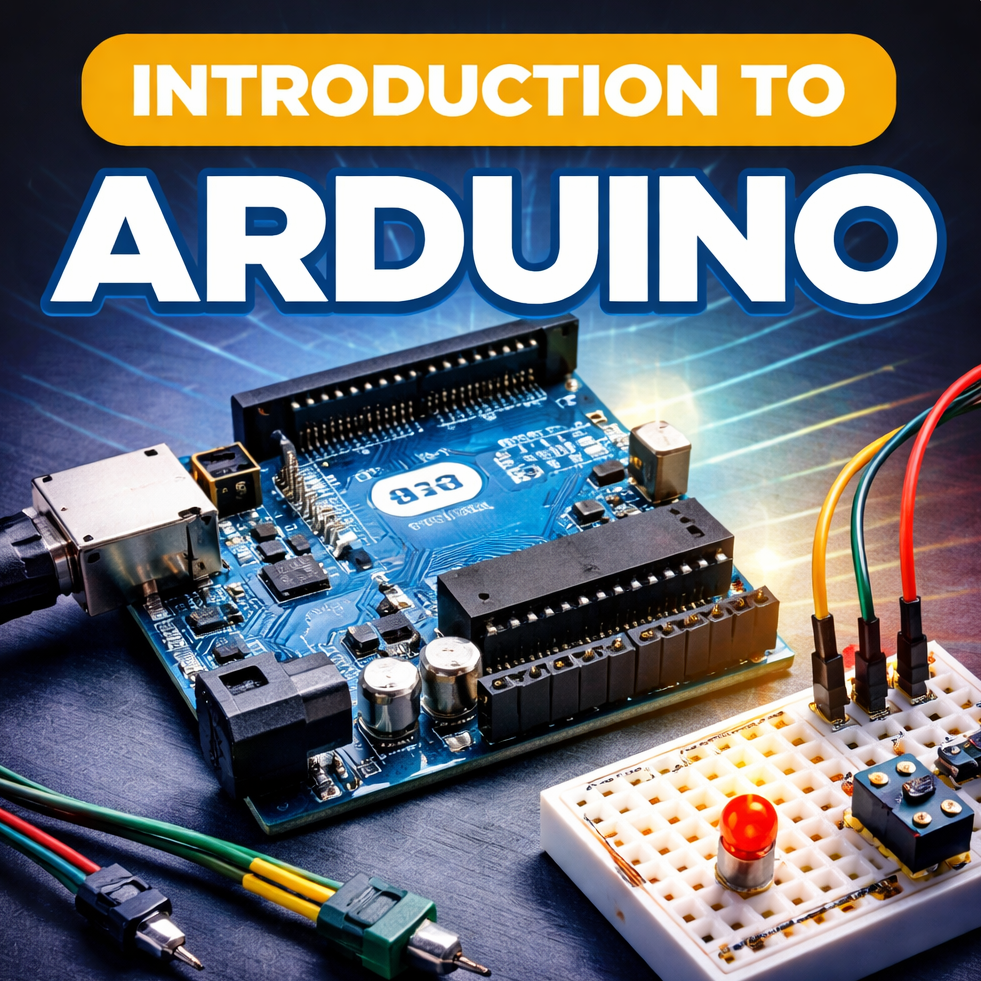
What you will learn:
Module 0 — Setup and Getting Started
Outcome: You’ll be fully set up and confident enough to start building immediately.
- What Arduino is (and isn’t) so you don’t waste time
- What you need to get started (simple kit checklist)
- Install + connect your board (first upload)
- Breadboard/wiring basics that prevent “random failures”
- Multimeter basics + the most common beginner mistakes (and quick fixes)
Module 1 — Power & Pins (Don’t Fry Stuff)
Outcome: You’ll understand power and pins enough to wire safely and correctly.
- Polarity (+/–) explained simply
- Power sources: USB vs battery vs wall adapter
- Arduino pinout explained (digital / analog / 5V / 3.3V / GND)
- Series vs parallel (only what matters)
- Power requirements (quick rules) + common power failures
Module 2 — Code That Controls Hardware
Outcome: You’ll write your first real Arduino code and understand what it’s doing.
- setup() vs loop() explained (no confusion)
- Serial Monitor for printing values + debugging errors
- Variables, if/else, loops, timing (delay vs millis intro)
- Read a button (digital input)
- Control an LED (digital output)
- Functions so your code stays clean (less copy/paste)
- Mini build: your first “real” program
Module 3 — Build Mode: Real Mini Projects
Outcome: This is where it becomes fun — you’ll build a stack of projects you can expand.
You’ll build:
- Press-to-light button + LED
- Tap toggle light (like a real switch)
- Doorbell (button + buzzer + LED)
- Reaction time game
- One-button memory game
- Knob controls blink speed (analog input)
- Knob + button + buzzer timer
- Hold-to-arm safety switch
- Relay basics
- Relay + external power controlling a DC motor
Module 4 — Challenge + Next Level
Outcome: You’ll build something original, share it, and know what to learn next.
- Guided challenge: combine inputs + outputs into your own mini project
- Join my Discord and get your course role (so you can post builds + get help)
- How to share your code properly so troubleshooting is easy
- What to learn next (Intermediate roadmap)